Why Isn't My IPL Device Flashing? (Quick Troubleshooting Fixes)
Share
You're mid-treatment and suddenly your IPL device stops flashing. The ready light is on, but nothing happens when you press it against your skin. Frustrating, right?
Before you panic or contact customer service, let's troubleshoot. Most IPL flashing issues have simple solutions that take less than a minute to fix.
The #1 Reason: Not Enough Skin Contact
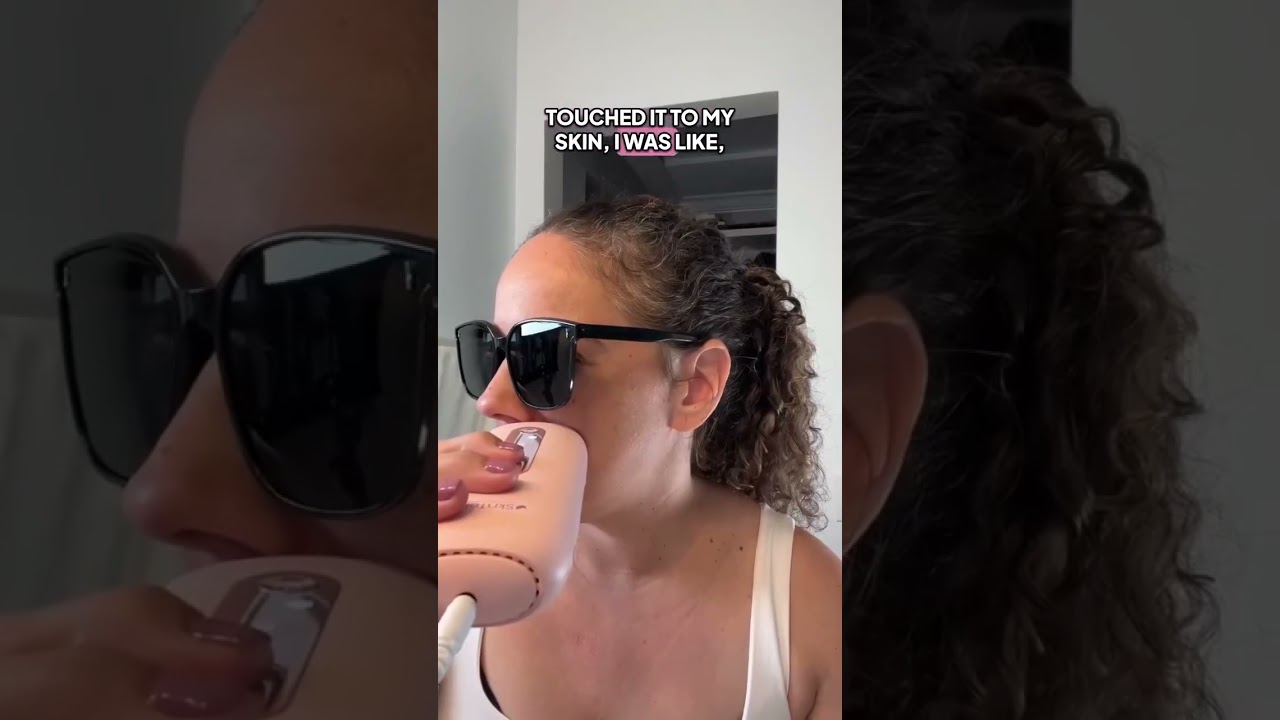
Watch: IPL Hair Removal in Action
This accounts for about 80% of "my IPL won't flash" complaints. IPL devices have safety sensors that prevent flashing unless the treatment window makes full, flush contact with your skin.
Why this happens:
- You're treating curved areas (shins, underarms) at the wrong angle
- The device isn't pressed firmly enough
- Your hand position creates gaps between device and skin
- You're trying to treat bony areas where full contact is difficult
The fix:
- Press the device firmly and completely flat against skin
- Adjust your angle—sometimes rotating the device 90 degrees helps
- Pull skin taut on areas with curves or contours
- Try the "stamp" mode instead of "glide" mode for tricky spots
According to medical device safety standards, this safety feature prevents accidental flashes that could damage eyes or miss the intended treatment area.
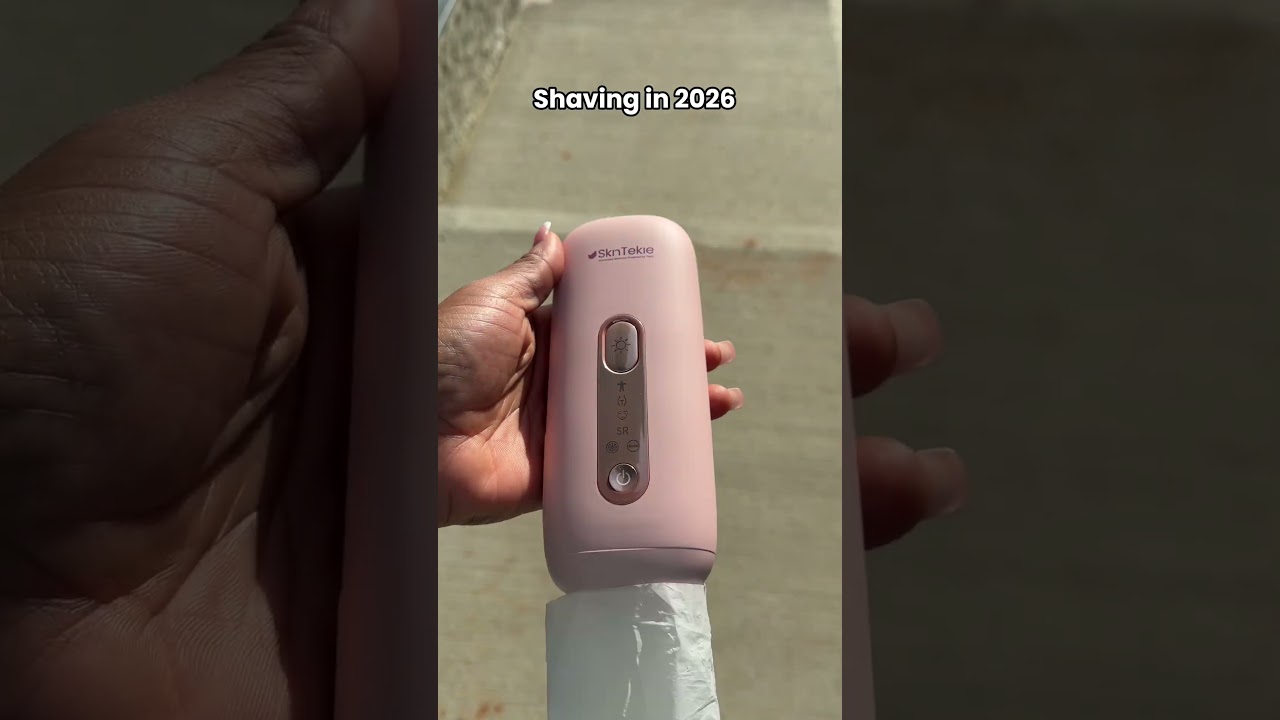
The Skintekie IPL device includes skin contact sensors that ensure safe, effective treatment—but you need proper technique to activate them.
Reason #2: Your Skin Tone Is Too Dark
Most IPL devices have built-in skin tone sensors that prevent flashing on very dark skin tones. This isn't a malfunction—it's a safety feature.
Why this happens:
- Your natural skin tone is too dark for safe IPL use (Fitzpatrick V-VI)
- You have a tan from recent sun exposure
- You've used self-tanning products
- The sensor is detecting a dark birthmark, tattoo, or mole
The fix:
- Check the manufacturer's skin tone chart to verify compatibility
- Wait for any tan to completely fade before resuming treatment
- Avoid treating over tattoos, moles, or heavily pigmented areas
- If your natural skin tone is too dark, IPL may not be safe for you
Never try to "trick" the sensor—these safety features exist to prevent burns and skin damage.
Reason #3: The Flash Window Is Dirty
Hair, skin cells, oils, and product residue build up on the flash window during treatments. A dirty window can block sensors or prevent proper light emission.
The fix:
- Unplug the device and let it cool completely
- Wipe the flash window with a soft, lint-free cloth
- Use a small amount of 70% isopropyl alcohol if needed
- Ensure the window is completely dry before using
Clean your IPL device after every single use. Understanding proper IPL maintenance extends device lifespan and prevents flashing issues.
Reason #4: The Device Is Overheating
IPL devices generate heat during use. If yours stops flashing mid-session, it might have triggered its thermal protection system.
Why this happens:
- Using the device continuously without breaks
- Treating in a very warm room
- Blocked air vents preventing cooling
- The device needs more recovery time between flashes
The fix:
- Turn off the device and let it cool for 10-15 minutes
- Use in a cooler environment
- Check that air vents aren't blocked
- Work more slowly, allowing a few seconds between flashes
This safety feature prevents overheating that could damage internal components or cause skin burns.
Reason #5: Power or Battery Issues
Sometimes the problem is simpler than you think—your device isn't getting adequate power.
Check these:
- Cord connection: Ensure power cord is fully plugged into both device and outlet
- Battery charge: If cordless, check that battery is fully charged
- Power outlet: Test the outlet with another device to verify it's working
- Adapter issues: If using a voltage adapter, ensure it's rated correctly
The fix:
- Plug directly into wall outlet (not power strip)
- Fully charge battery before use
- Try a different outlet
- Check for visible damage to power cord
Reason #6: You've Reached Maximum Flash Count
IPL devices have a limited number of flashes—typically 200,000 to 500,000. If you've used yours extensively over months or years, you might have exhausted the lamp.
How to check:
- Review your device manual for rated flash count
- Estimate how many treatments you've done
- Note if flashes have been getting progressively dimmer
The fix:
- Some devices allow lamp replacement
- Others require purchasing a new device
- Contact manufacturer about replacement options
This is normal wear and tear, not a defect. Quality devices last years with proper care.
Reason #7: Moisture on Skin or Device
IPL devices won't flash on wet skin or when moisture is detected. This safety feature prevents electrical issues and ineffective treatment.
Why this happens:
- You didn't fully dry after showering
- Applied lotion, oil, or product before treatment
- Sweating during treatment
- Humid environment causing condensation
The fix:
- Towel dry completely before treatment
- Wait at least 30 minutes after shower
- Ensure skin is product-free and completely dry
- Use in a dry, climate-controlled environment
Understanding when and how to use IPL includes proper skin preparation that prevents these issues.
Quick Troubleshooting Checklist
Before contacting customer service, run through this checklist:
☐ Device is plugged in/fully charged ☐ Skin is clean, dry, and product-free ☐ Flash window is clean ☐ Making complete, firm skin contact ☐ Not treating over tattoos or very dark skin ☐ Device has cooled down if you've been using it continuously ☐ Skin tone is within manufacturer's recommended range
If you've checked all these and the device still won't flash, there may be a genuine malfunction requiring professional service.
When to Contact Support
Reach out to the manufacturer if:
- Device won't turn on at all
- Ready light doesn't illuminate
- Flashing worked previously but now consistently fails with proper technique
- You see visible damage to the device
- None of the troubleshooting steps resolve the issue
Most IPL devices include warranties covering manufacturing defects. The Skintekie IPL device is designed for reliability, but all electronics can occasionally need service or replacement.
The Bottom Line
Most IPL "not flashing" issues come down to skin contact, dirty sensors, or safety features doing their job. Before assuming your device is broken, check that you're using proper technique, the flash window is clean, skin is dry and suitable for treatment, and the device isn't overheated.
Nine times out of ten, one of these quick fixes gets your IPL working again immediately. Understanding how your device's safety features work helps you troubleshoot problems and use it more effectively for long-term hair reduction.
Related Reading:
Ready to Start Your IPL Journey?
The SkinTekie IPL Hair Removal Device features ice-cooling technology for pain-free, permanent results at home.
Shop IPL Device →Sources: NIH - IPL for Hair Removal | AAD - Laser Hair Removal Guide